Practical guide
Get started with ArcaBooking
- What it is for
- Find your way around the dashboard, pets and platform areas.
- How to get started
- Open the dashboard, add or select a pet, then choose the tile you need.
- What happens next
- ArcaBooking keeps your selected pet active as you move between features.
- Limits and things to know
- Features that use personal data require you to log in.
Open the dashboardPractical guide
Refer and earn
- What it is for
- Refer a trusted pet sitter, dog walker or dog trainer to ArcaBooking and earn a reward based on the ArcaBooking commissions generated by that professional.
- How to get started
- Sign in as an Owner, open Refer and earn, then create a personal link to share or send ArcaBooking a professional lead directly.
- What happens next
- If the professional is eligible, completes registration and becomes active, you earn 10% of ArcaBooking’s commissions from their services for 3 years.
- Limits and things to know
- The first eligible referral wins. Rewards are not based on the service price, may be adjusted for refunds or disputes, and remain subject to programme terms and applicable tax obligations.
Explore the programmePractical guide
Pet Hub
- What it is for
- Keep your pet’s profile, size, health, food, documents, bookings and statistics together.
- How to get started
- Add your pet and birth date: it is automatically shown as a puppy or kitten until 18 months. Health includes weight, food, events, documents, routine and reproductive cycle.
- What happens next
- The data powers summaries and reminders. Photos or videos taken from the pet summary are associated and auto-tagged with that pet; statistics sit below the photo and gallery shortcuts.
- Limits and things to know
- Health information is a personal record and does not replace veterinary advice.
Go to Pet HubPractical guide
Calendar, health and reminders
- What it is for
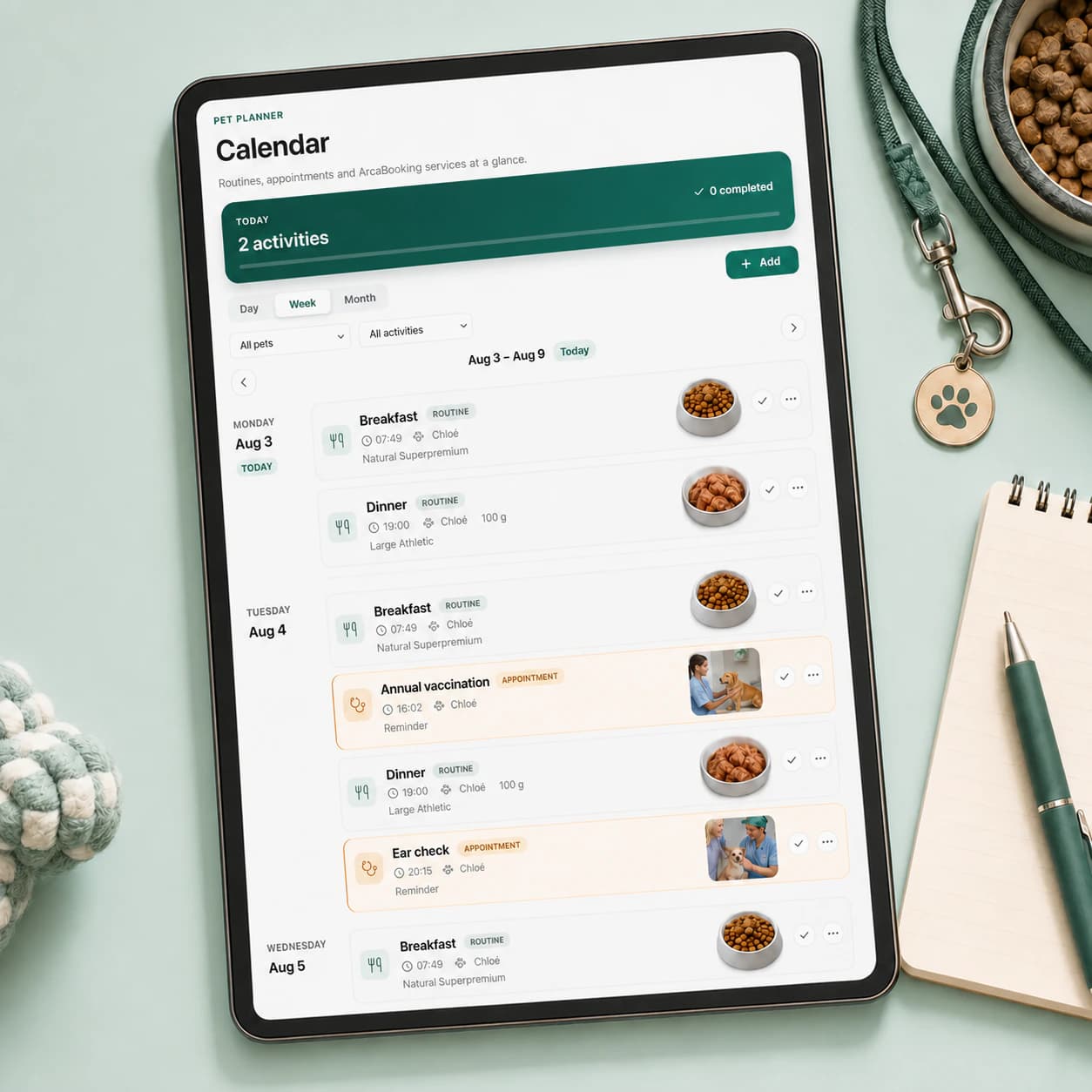
- Remember vaccines, boosters, appointments, medication, birthdays and other dates; the calendar also brings together your pet’s feeding routine.
- How to get started
- Open your pet, add a health event or create a reminder in Pet Planner.
- What happens next
- The event appears in connected views and notifications follow your preferences. Pet Planner also lets you share a read-only day, week or custom calendar range and revoke the link at any time.
- Limits and things to know
- Always check the date, time and selected pet before saving.
Open CalendarPractical guide
ArcaMap and the community
- What it is for
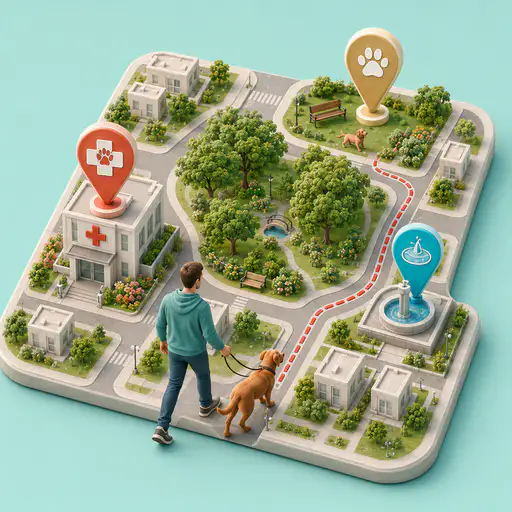
- Find water fountains, dog areas, vets, pet-friendly places, hazards and PetHere.
- How to get started
- Open the map, choose a city or your location, and apply the filters you need.
- What happens next
- You can browse without logging in; after signing in, you can suggest places, alerts and contributions under the community rules.
- Limits and things to know
- Reports are informational: always check real conditions on site.
Explore ArcaMapPractical guide
ArcaStory
- What it is for
- Turn walks and experiences with your pet into a video story to keep and share.
- How to get started
- From ArcaMedia, choose Create story and follow guided mode: record the route and your pet’s activities, then add photos and videos. During an eligible service, the sitter’s updates can contribute too.
- What happens next
- ArcaStory combines route, places, activities and media into an edit. You can personalize scenes, duration, backgrounds, pets, text and effects, then export an MP4 video: it stays in ArcaMedia and you can share it from your device.
- Limits and things to know
- A story needs the required content; share only videos, images and information you have permission to use.
Open ArcaStoryPractical guide
Become a pet sitter
- What it is for
- Learn about ArcaBooking recruitment and apply as a pet sitter in the areas where we are building our network.
- How to get started
- You can apply with your existing ArcaBooking account: once enabled, you will use the same login and can choose between Owner and Sitter mode. Check the participating cities and submit your application.
- What happens next
- Pet sitting is a growing profession in Italy because it meets a real need for families with pets. As the network expands, ArcaBooking will activate new services in areas covered by selected sitters.
- Limits and things to know
- Applying does not guarantee immediate activation: selection, coverage and availability depend on the area.
Apply as a sitterPractical guide
Bookings
- What it is for
- Understand how sitter search and services will be activated in your area.
- How to get started
- Check coverage: ArcaBooking is activating services progressively in cities and areas already supported by its sitter network.
- What happens next
- When the service is available, you will be able to find the right sitter, send a request and follow the experience with dedicated ArcaBooking tools.
- Limits and things to know
- At this stage, search and bookings are not yet available in every area.
Check your areaPractical guide
Profile, QR and privacy
- What it is for
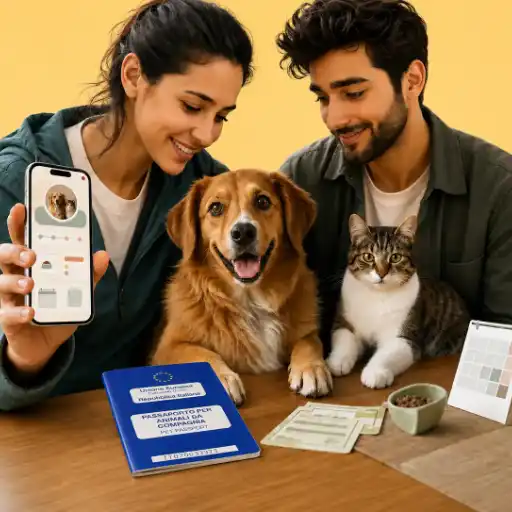
- Manage owner details, credentials, preferences and a pet record you can share safely.
- How to get started
- Phone is optional at registration and can be added under Edit profile. Update your details, email and password and configure notifications, calendar reminders and the ArcaMap alert radius.
- What happens next
- Your community level and contributions are shown here. Shared links expose only included pet data; the same account can be enabled for Owner and Sitter modes.
- Limits and things to know
- Get consent before sharing sensitive information, including a microchip number.
Manage your profilePractical guide
RazzeCaniGatti
- What it is for
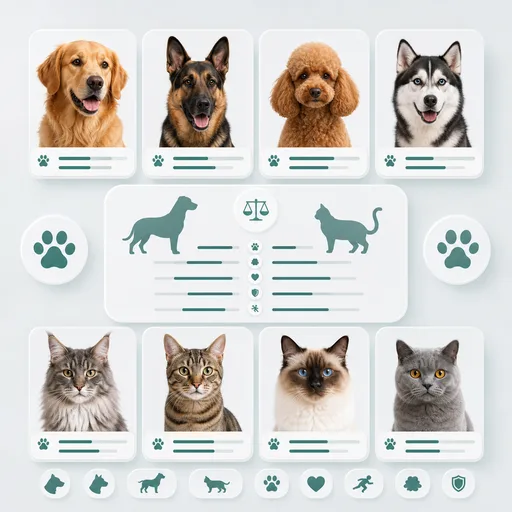
- Browse dog and cat breed profiles and traits for free, with unique tools to understand and compare breeds more closely.
- How to get started
- Open RazzeCaniGatti and choose breed profiles, BreedScale or Compare Breeds: explore traits such as energy, coat, adaptability, health, size, temperament, needs and indicative costs.
- What happens next
- Access is free in ArcaBooking and also available at www.razzecanigatti.it, where you can continue browsing whenever you like.
- Limits and things to know
- The information is for guidance and does not replace advice from veterinarians or other professionals.
Open RazzeCaniGattiPractical guide
RCG MAG
- What it is for
- Read the magazine for free and receive weekly articles dedicated to the world of dogs and cats.
- How to get started
- Open RCG MAG from the RazzeCaniGatti area or at www.razzecanigatti.it to browse the available articles; you can also subscribe to the free newsletter.
- What happens next
- The free newsletter brings weekly features on breed history, current events, health-related topics, curiosities, statistics and other useful ideas for life with your pet.
- Limits and things to know
- Articles are for informational purposes and do not replace professional advice.
Open RCG MAG